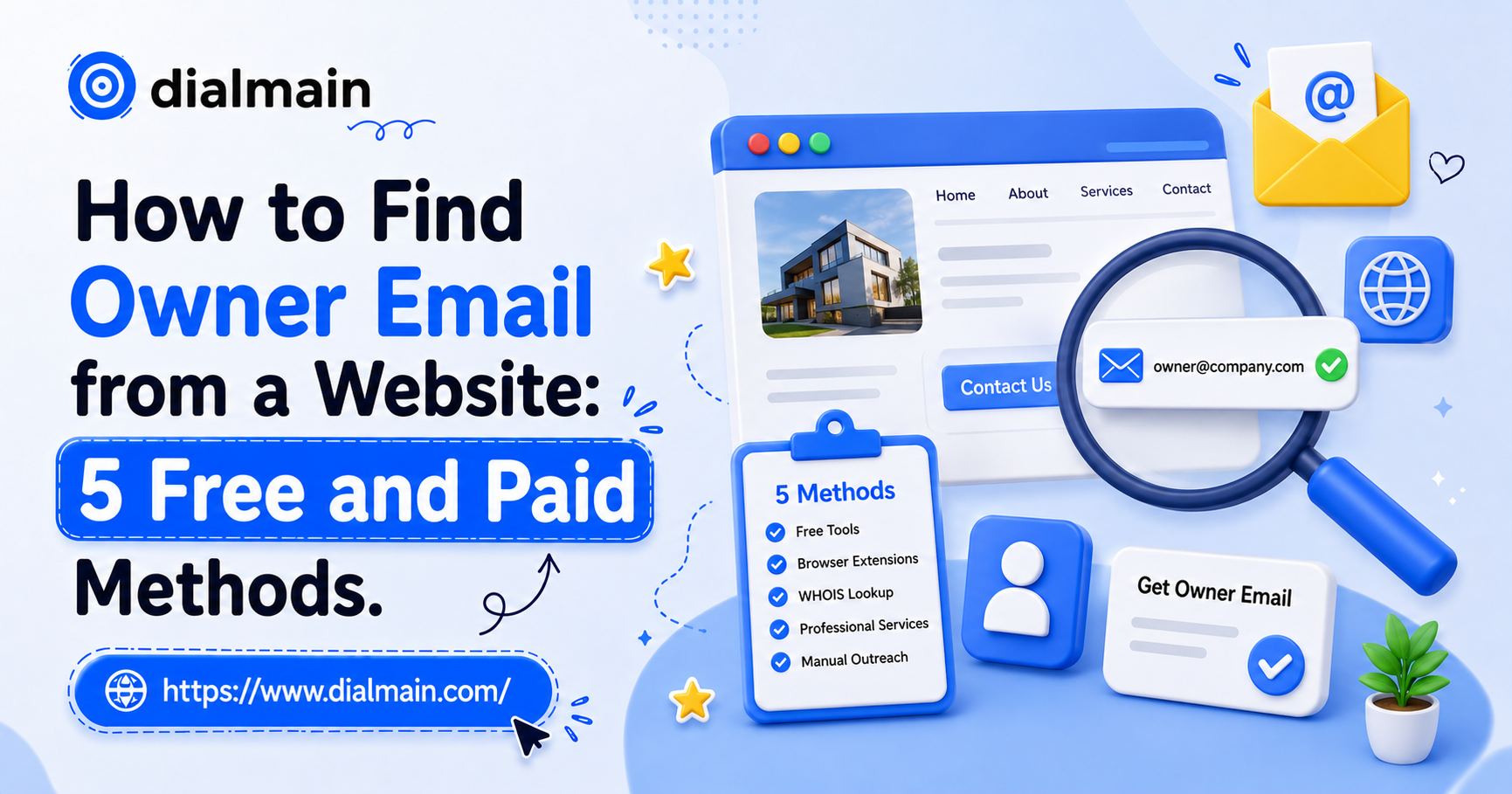
How to Find Owner Email from a Website: 5 Free and Paid Methods
📑 Table of Contents
How do you find the owner email from a website?
To find the owner email from a website, check the About page, Contact page, footer, team page, domain records, LinkedIn, social profiles, and public business records. If those methods fail, use an enrichment provider to match the business with verified owner names, emails, and phone numbers.
The important part is knowing what you are looking for.
An email like info@company.com may reach the business, but it may not reach the owner. For B2B outreach, the owner’s direct email is usually more valuable.
Why are owner emails better than generic inboxes?
Owner emails are better because generic inboxes such as info@, contact@, and support@ are often managed by staff, ignored, or used for customer service. A verified owner email gives your outreach a better chance of reaching the person who can approve a purchase or meeting.
Generic inboxes are not useless, but they are weaker for outbound sales.
If you sell to local businesses, you need the person who controls budget and vendor decisions, not just the inbox listed for customers.
Method 1: Check the website manually
The first method is to manually review the website for owner clues. Check the About page, Contact page, footer, team page, blog author bios, privacy policy, terms page, and press mentions. Many small businesses mention the founder or owner somewhere, even if the email is not obvious.
Look for:
Founder name
Owner name
Personal email
Staff profiles
Press contact
Social links
Legal business name
Local address
Once you find the owner’s name, it becomes easier to verify or guess the email pattern.
Method 2: Use Google search operators
Google search operators can help find owner emails that are not obvious on the website. Search the domain with terms like owner, founder, email, contact, press, LinkedIn, or the person’s name. This can reveal pages, PDFs, directory listings, and cached snippets that mention contact details.
Example searches:
site:example.com owner email
site:example.com founder
site:example.com “@example.com”
“Business Name” “owner” “email”
“Business Name” “founder” “LinkedIn”
This method is free, but it takes time.
Method 3: Check social profiles and LinkedIn
Social profiles and LinkedIn can help identify the owner behind a business website. Many local companies link to Facebook, Instagram, LinkedIn, or X profiles from their website. These profiles may mention the founder, operator, manager, or person responsible for business inquiries.
For local businesses, Facebook can sometimes be more useful than LinkedIn. For Shopify and SaaS companies, LinkedIn and X may work better.
The platform depends on the industry.
Method 4: Use public business records
Public business records can help identify the legal owner, registered agent, or company officer behind a business. Secretary of State websites, local registries, licensing boards, and industry directories can reveal names that are not listed clearly on the website.
This works best for local businesses, contractors, LLCs, licensed professionals, and regulated industries.
The downside is that public records can be slow to search and may show registered agents instead of actual operators.
Method 5: Use a business owner email enrichment tool
A business owner email enrichment tool is the fastest option when you already have a company website or business list. Dialmain can enrich business records with owner names, mobile numbers, and email addresses, then deliver the completed CSV within 24 hours.
This is especially useful if you have many websites to process.
Instead of checking 500 websites manually, you can upload a CSV and enrich the list with owner-level contact data.
What fields should you collect with owner emails?
Along with owner emails, collect owner name, owner mobile number, business name, website, Google review count, and business address. These fields help you verify the company, personalize outreach, segment prospects, and decide whether the business is worth contacting.
For example, if you are reaching out to dentists, review count can help you decide whether the clinic is established. If you are reaching out to roofers, website quality can help shape the pitch.
More context means better outreach.
How do you verify an owner email before sending?
Verify an owner email by checking syntax, domain validity, mailbox status where possible, role-based patterns, catch-all behavior, and whether the email matches the business or owner identity. Verification reduces bounce risk and helps protect your sending domain from poor list quality.
Do not assume an email is safe because it looks right.
Before sending, remove obvious risky records, duplicates, generic inboxes when needed, and contacts that do not match your target buyer.
What is the fastest way to find owner emails at scale?
The fastest way to find owner emails at scale is to start with a clean business list, then enrich it through a provider that adds verified owner names, emails, and mobile numbers. Dialmain supports this through custom lead requests and Enrichment Only CSV uploads.
At small volume, manual research works.
At 500, 1,000, or 2,000 records, manual research becomes a bottleneck. That is where enrichment saves time.
FAQ
Can I find owner emails for free?
Yes, but free methods are slower. You can check websites, Google, LinkedIn, social profiles, public records, and directories. Paid enrichment is faster at scale.
Is info@ a good email for cold outreach?
It can work, but it is usually weaker than an owner email because it may be monitored by staff or used for customer support.
Can Dialmain find owner emails from a business list?
Yes. Dialmain can enrich an existing CSV with owner names, owner mobile numbers, and owner email addresses.
What should my CSV include before enrichment?
Your CSV should include at least business names and/or business addresses. Website fields can also help improve matching.
Upload your business list to Dialmain and enrich it with verified owner emails and mobile numbers within 24 hours.
SignUp freeFrequently Asked Questions
Can I find owner emails for free?
Is info@ a good email for cold outreach?
Can Dialmain find owner emails from a business list?
What should my CSV include before enrichment?
Dialmain Team
Related Articles
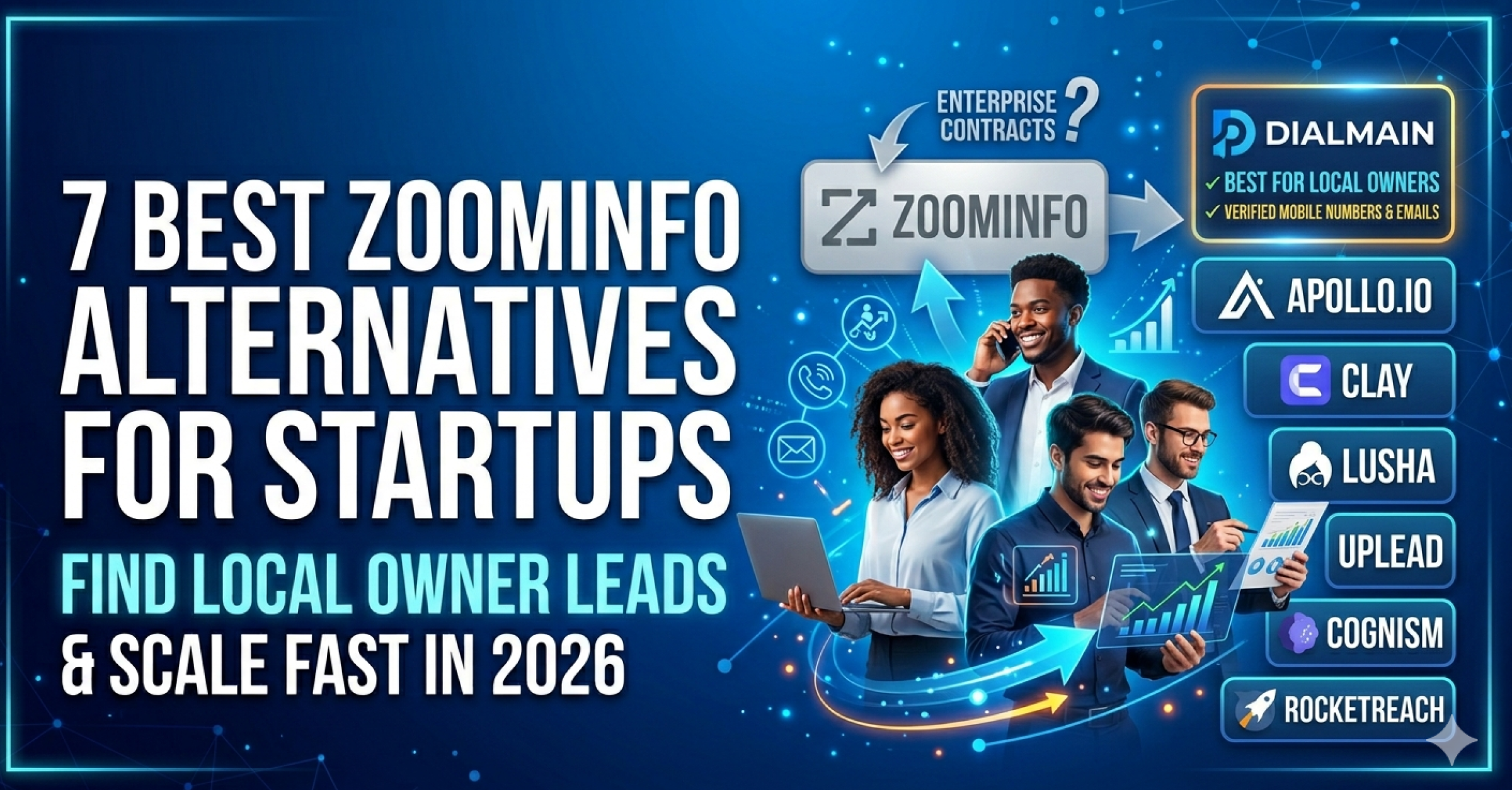
7 Best ZoomInfo Alternatives for Startups and Small Teams in 2026
ZoomInfo is not the wrong tool. It is just not always the right tool for smaller teams or local business owner outreach. If you need verified owner contacts for a specific niche and location, Dialmain is a simpler and more focused alternative.

5 Best Apollo.io Alternatives for Better Data Accuracy in 2026
Apollo is a useful sales tool, but it is not always the cleanest path to local business owners. If your outreach depends on verified owner mobile numbers and emails for specific local niches, Dialmain is a more focused alternative.

Top Clay Alternatives for B2B Data Enrichment in 2026
Clay is powerful, but power is not always what small teams need. If your real goal is to get verified local business owner contacts quickly, Dialmain is a simpler alternative.
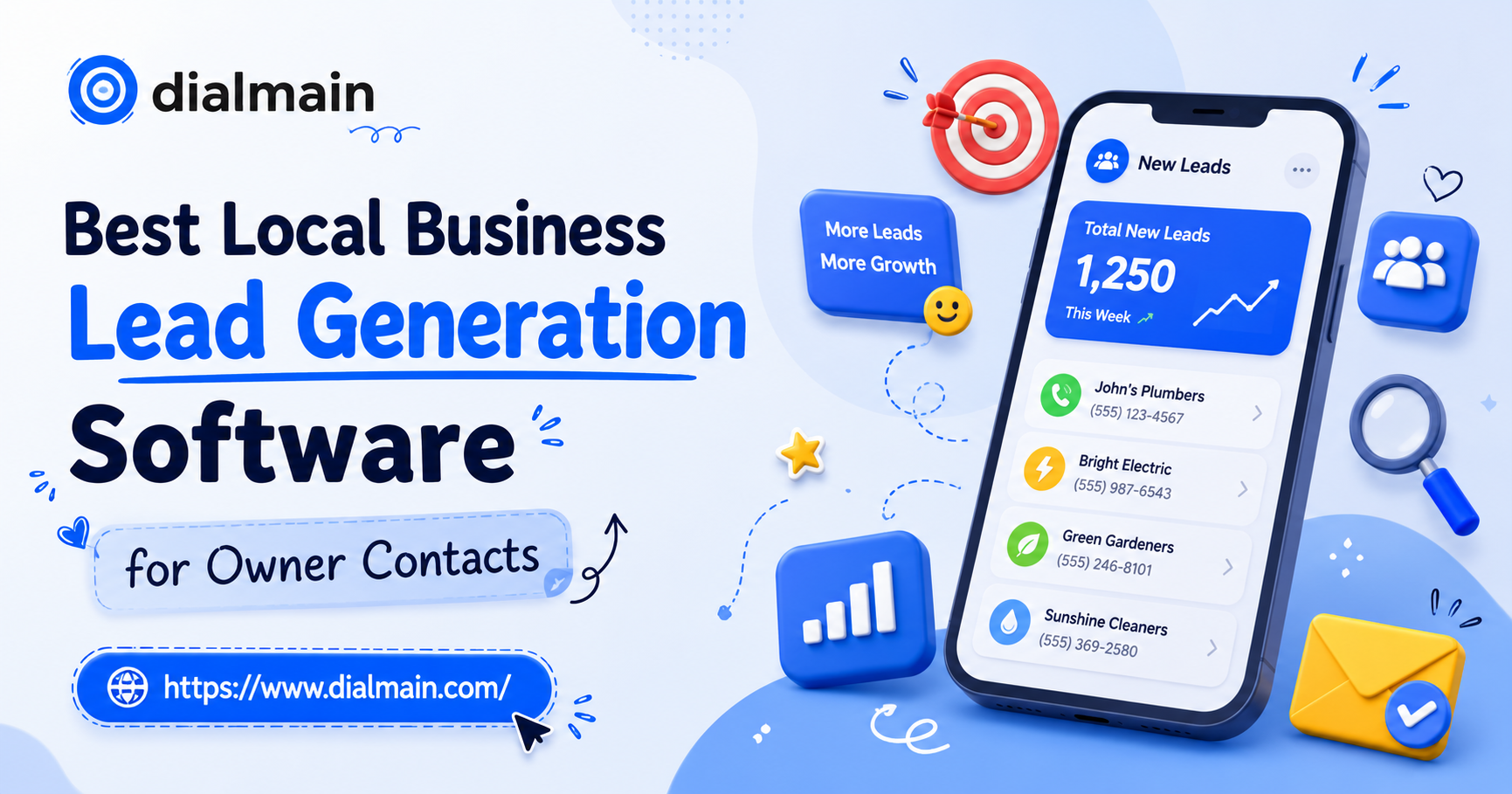
Best Local Business Lead Generation Software for Owner Contacts
Local business lead generation is not about having the biggest list. It is about having the right local businesses, the right decision-maker contacts, and enough context to start a relevant conversation.
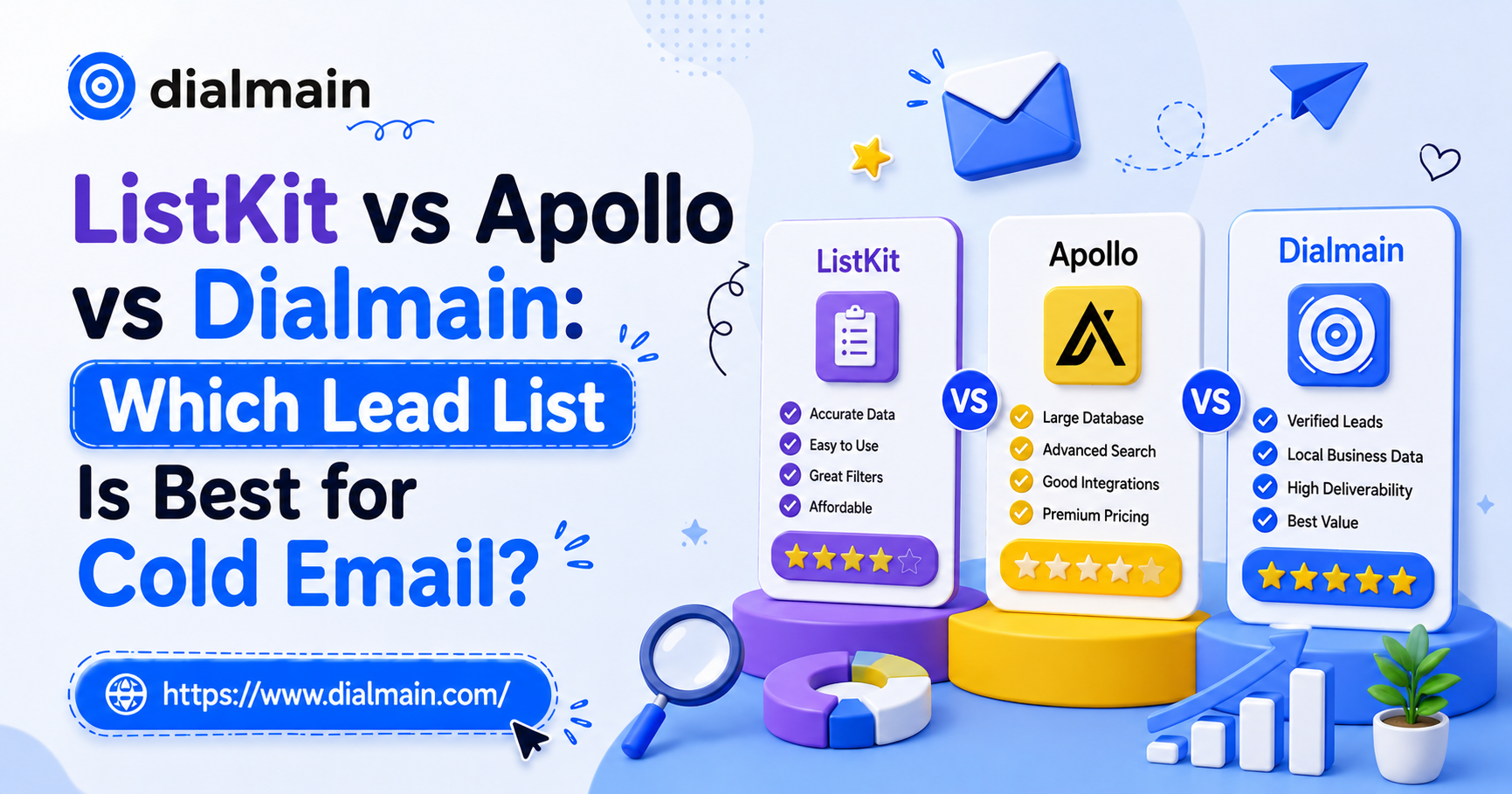
ListKit vs Apollo vs Dialmain: Which Lead List Is Best for Cold Email?
ListKit, Apollo, and Dialmain solve different problems. If you need broad corporate prospecting, Apollo is useful. If you need email-first lists, ListKit may work. If you need verified local business owner contacts, Dialmain is the sharper fit.